The challenge
Short vertical videos are how podcasts, streamers and creators get discovered on TikTok, Instagram Reels and YouTube Shorts. But cutting one long video into good shorts by hand takes hours: finding the moments worth sharing, cutting cleanly, reframing a wide video to vertical, and adding captions.
Online tools like Opus Clip and Vizard do this well, but they charge a monthly fee, limit how many minutes you can upload, and send every video to their servers. I wanted the same results with no subscription, no upload limit and the files staying on your own computer.
What I did
I built ByteClip as a desktop app for Windows that does the whole job in one click.
- Transcribes every word with exact timing using Whisper (fast via a free Groq key).
- AI picks the best moments with Google's Gemini: it looks for a strong hook, a complete story and a clear payoff, and scores each clip for hook, flow, value, emotion and shareability.
- Clean cuts on full sentences, never mid-word.
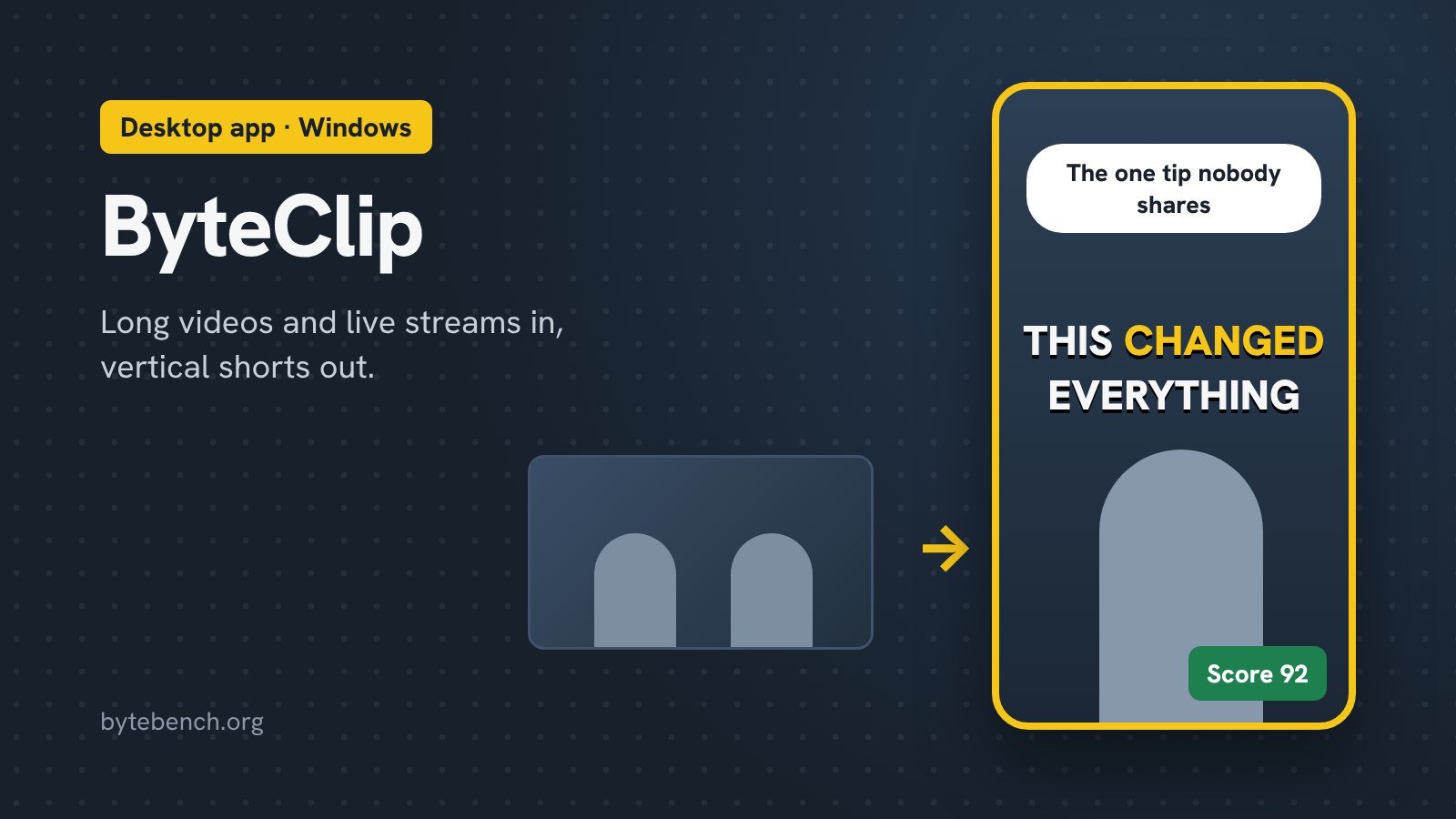
- Reframes 16:9 to 9:16 shot by shot: it follows whoever is talking, splits the screen for two-person podcasts, or stacks a streamer's facecam above the gameplay.
- Animated word-by-word captions in four styles, plus a hook title for the first three seconds. It also removes the source video's own burned-in text so it isn't cut off or doubled.
- Live stream clipping: paste a live Twitch, YouTube or Kick link and it records the stream, makes a short from each new highlight, skips Twitch ad breaks and reconnects if the connection drops.
- Social-ready export: 1080×1920 MP4s with loudness set to -14 LUFS.
Setup is one double-click: the first run installs everything, and API keys are saved only on the user's PC.
The result
- ByteClip is available in the Bytebench shop as a one-time download, with no monthly fee.
- It works with YouTube, Twitch, Kick and local video files, and can produce up to 100 clips from one long video.
- It runs on an ordinary Windows PC with 8 GB of RAM — no graphics card needed — using free AI API keys.
Need a tool that automates a creative or repetitive task? I build practical apps that save hours every week.